
People often ask how I manage to create so much content, and honestly, I always feel a little awkward answering that. Not because there’s a secret I’m hiding, but because I don’t think I’m even operating at my full potential yet.
Life has been busy. I’ve had personal challenges, I’ve been building an AI-powered school for my daughter, and like everyone else, I’m juggling far too many tabs and tasks at once.
But even with all that, my output is noticeably higher than most teams of five writers. It’s not about working harder or being some productivity superhero.
It’s simply because I’ve built a system that makes creating easier, faster, and more natural.
I call it my AI Power Desk.
Not because it’s a fancy setup, but because it’s the foundation for almost everything I do.
Let me walk you through it.
Why a System Matters More Than Motivation
Before we get into tools, here’s the real truth: most people struggle with output because they’re operating in chaos.
Their browser is a maze. Their files are scattered. Their AI use is impulsive, inconsistent, and based on whatever shiny tool they saw on Twitter that week.
If your environment requires constant decision-making, you’re burning energy before you even start creating.
My Power Desk solves that. It removes friction. It reduces decisions. And it gives me a sense of flow every time I sit down to work.
Here’s the tool stack I use.
Start Me: The Tool I Didn’t Expect to Rely On
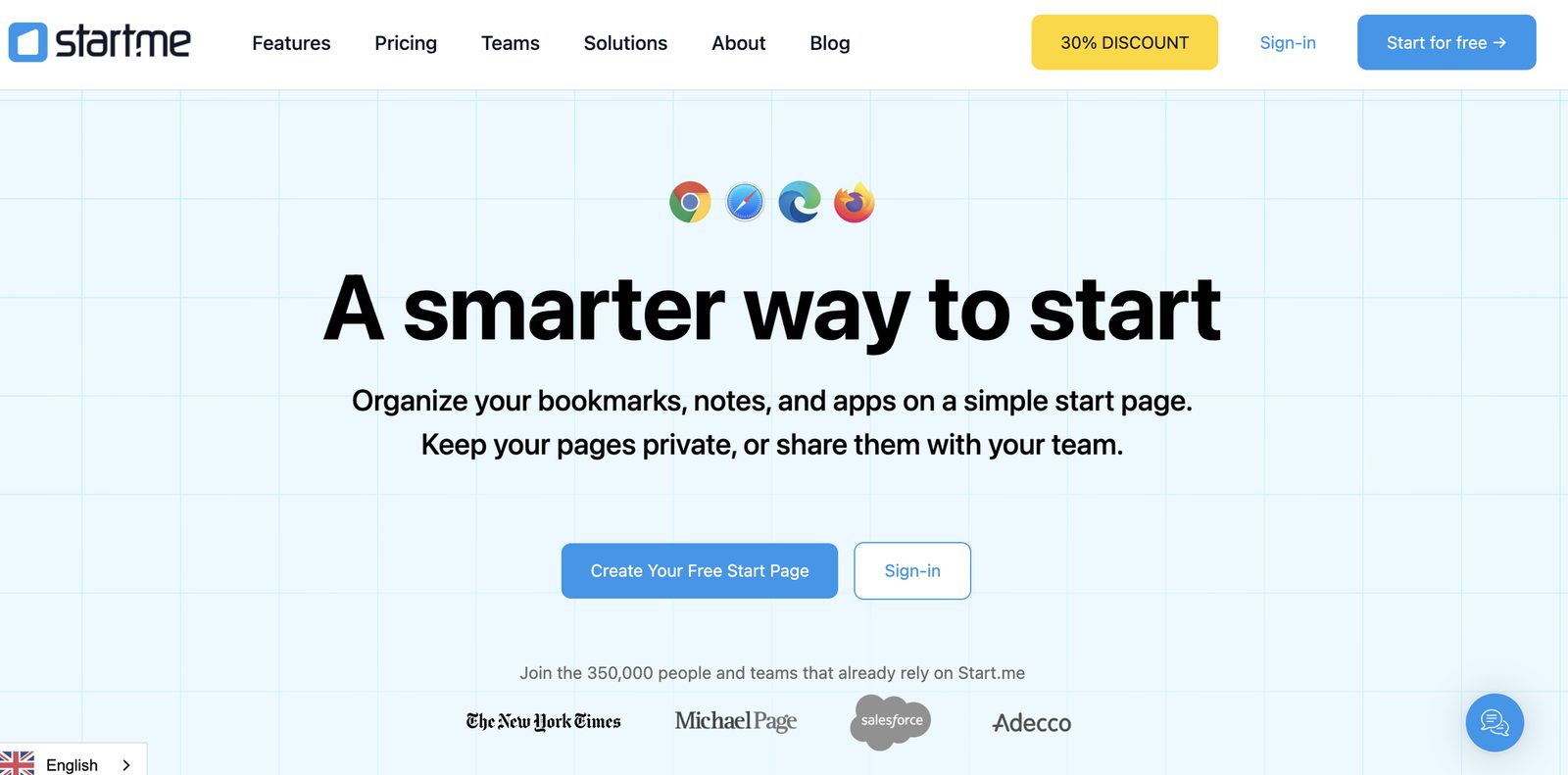
The whole system starts with a tool you might not expect: Start Me, a free Chrome extension.
It shows up every time I open a new tab, and at this point, I genuinely can’t imagine working without it. Think of it as a beautifully simple productivity dashboard that puts every link, tool, document, and resource right in front of me.
No searching. No scrolling. No digging through a thousand bookmarks.
It follows me across every browser window and quietly makes everything faster.
I once thought about building my own version of it, but honestly, they’ve nailed the basics so well that there’s no need. It’s one of the most overlooked tools on the internet — simple, clean, and unbelievably effective.
Every.to: The Tools That Supercharge My Workflow
Next comes my Every.to subscription, which gives me access to content on AI and two tools that have genuinely changed how I work: Sparkle and Monologue.
Sparkle: My Instant File Finder
Sparkle is tied to one keyboard shortcut — Command + Space — and it brings up a search bar that finds absolutely anything on my Mac in seconds.
I don’t remember file names anymore. I don’t dig through folders. I type what I want, and Sparkle just brings it up.
It also quietly keeps my file system tidy in the background, which saves more time than I ever realised.
Monologue: Turning My Voice Into My Fastest Tool
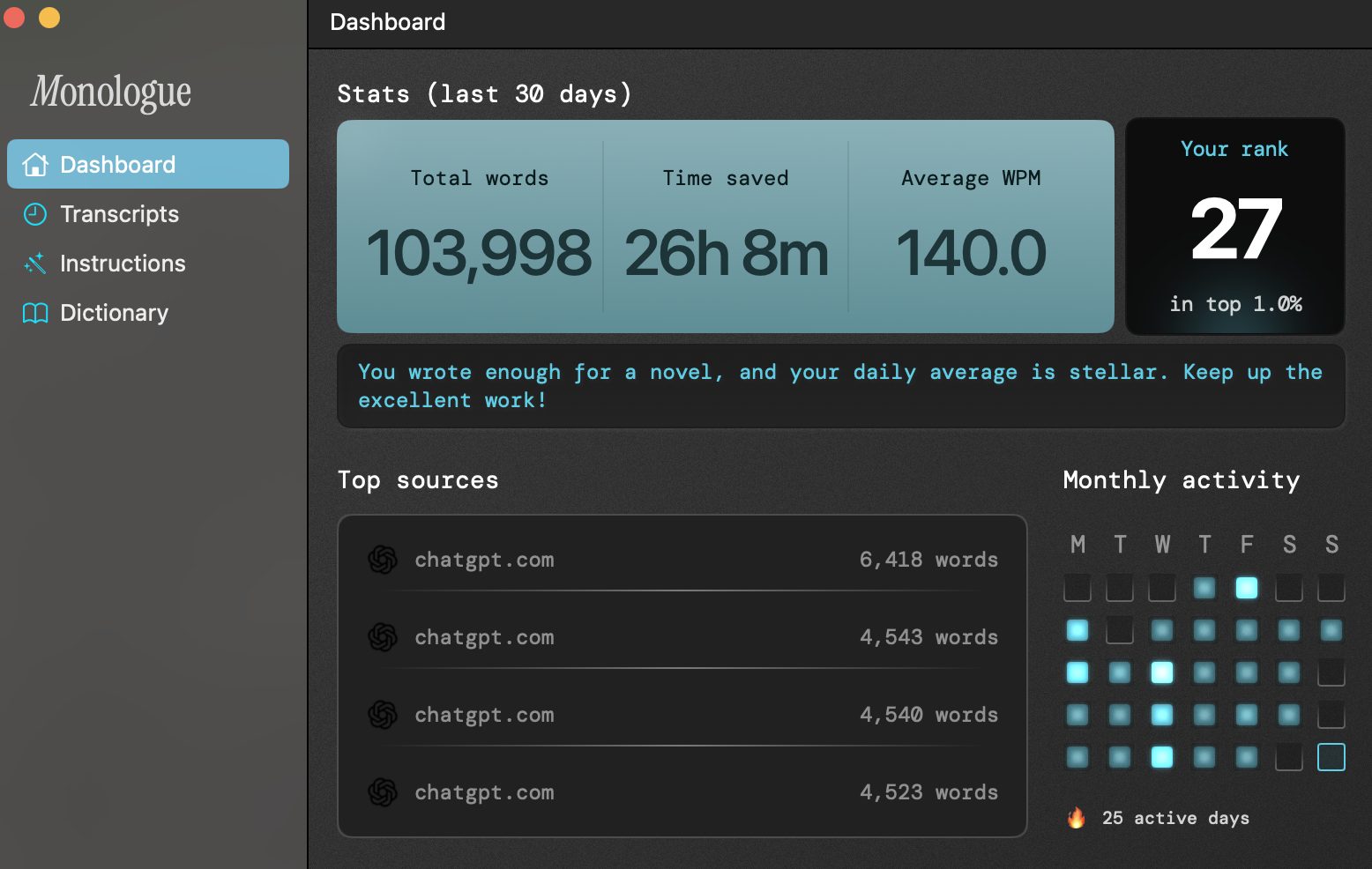
Monologue is the other half of the magic.
I double-tap my right Command key anywhere in an email, Slack, a doc, or this article — and it starts listening. I speak naturally; it cleans up my words, removes hesitations, and types everything for me.
This one tool has probably increased my writing speed more than anything else I’ve ever tried. I’ve spoken entire articles, outlines, emails, even strategy docs. And the speed increase is very real — Monologue even tracks it for me.
Voice typing is going to reshape how people work, and I’m still surprised more people aren’t using it yet.
My AI Assistants: A Library of Highly Trained GPTs
For most of my daily tasks, I rely on ChatGPT, supported by a big collection of my own custom GPTs.
These aren’t random “copy this prompt” bots; they’re trained assistants with real data behind them. I’ve built GPTs for:
boxing training sessions
SEO audits
writing and editing
productivity and planning
ideation and campaign development
Because they’re trained with my own information, they act more like collaborators than tools. It’s like having a personalised team available at any moment.
Gemini 3: Impressive, Useful, and Sometimes Unpredictable
Google’s Gemini 3 has (recently) become a useful part of my stack too. It’s brilliant for:
image creation
graphics
video content
YouTube transcript summaries (this one is huge for me, and my main use of Gemini before version 3).
Being able to drop in a transcript from a 20-minute video and get a clean, readable summary is worth the subscription alone. It has completely changed how I learn and absorb new information.
But I’ll also be honest: it’s inconsistent. Some of its “gems” work beautifully, and some don’t. It feels powerful, especially in coding, but still slightly unpredictable.
The Supporting Tools: Canva, Flixier, NotebookLM
There are a few more tools that round out my Power Desk:
Canva — Still useful, though the UX is getting a bit messy. Templates can feel generic, but with some tweaking, it still gets the job done.
Flixier — My go-to for quick, lightweight video editing.
NotebookLM — Great for thinking through ideas and summarising research in a structured way.
All of these live inside my Start With dashboard, so I can jump into them instantly.
Where I Learn and Read: Medium vs. Substack
Along with Every.to I’m also paying subscriber to Medium, and I find it genuinely valuable. It exposes me to ideas outside the AI/marketing bubble and gives me a steady stream of interesting, thoughtful writing.
Substack, on the other hand, is something I’m still unsure about.
Paying individual writers for gated newsletters feels limiting, and I’m not sure the model is sustainable in the long term for writers. I still believe the future belongs to creators who own their own sites, build long-term SEO value, and monetise their own platforms.
Books, however, are my primary fuel for learning.
I read a lot of non-fiction, and I have to have paperbacks where I use a pen to make notes…old school.
The Big Takeaway: Productivity Comes From Design, Not Discipline
If there’s one thing I want you to take from all this, it’s that high output doesn’t come from grinding harder.
It comes from building a system that makes it easier to create than to procrastinate.
My AI Power Desk is an ecosystem. Everything has a role. Everything supports the next step. Everything reduces friction.
Start With sets up my morning. Sparkle keeps me organised. Monologue gives me speed. GPTs give me thinking power. Gemini accelerates my learning. Medium broadens my inputs.
The system does half the work for me.
If you build your own version — whatever it looks like — you’ll be amazed at how much your output increases. And I’d love to know what your own setup includes, or what you’re thinking of adding next.
Thanks for reading.
Andrew Holland
Originally published on LinkedIn on 30 November 2025.